
10 Best Purchase Order Tools for Small Business [2026]
Compare purchase order software for small business: 10 tools reviewed for pricing, approvals, receiving, inventory and purchase-order workflows.
![10 Best Purchase Order Tools for Small Business [2026]](https://hbnygimtuywsbraaeauf.supabase.co/storage/v1/object/public/blog-images/best-purchase-order-software-small-business-2026/header-1788425645042.png)
Most small businesses lose money on purchasing before a single invoice arrives. Missed deliveries, prices that quietly changed, orders placed twice by different team members, suppliers who said "2 weeks" and meant 6. The root cause is usually the same: there is no purchase order software in place yet, so everything runs through email threads, shared spreadsheets and folders nobody updates.
This guide reviews 10 purchase order software options for small businesses in 2026, from a $30 a month PO tool and a free single-app tier to dedicated procurement platforms. Every price below was read from the vendor's own pricing page on 7 September 2026, and every "not verified" is written as such rather than guessed. If you already know what you need, the purchase order management system and purchase order tracking software pages cover VNDLY's own workflow.
⚡ TL;DR
- Sell physical products? Pick a tool where POs, receiving and stock live together: VNDLY (from $49/mo), Zoho Inventory (free to $29/mo) or Odoo (free single app).
- Need multi-step approvals and 3-way matching? Precoro ($499/mo) is the cheapest dedicated procurement tool that does both properly; Procurify sits around $1,000/mo.
- Buying services, not goods? BILL adds POs to accounts payable at $89/user/mo; Spendwise does basic POs and approvals from $9 to $19/user/mo; Digital Purchase Order does multi-step approvals for $30/mo flat.
- Already on QuickBooks Online Plus? It creates POs, but has no approvals, no 3-way match and only basic stock. Most businesses outgrow it within a year.
What Is a Purchase Order System for Small Business?
A purchase order system for small business is software that lets you create, send, and track purchase orders from one place, replacing email chains and spreadsheets with a structured record for every order you place with a supplier. It tracks what you ordered, at what price, from which supplier, and whether it arrived.
For a small business, the value is immediate. Suppliers receive a professional PDF with all the details. When stock arrives, you check items off against the original order. If there's a discrepancy, short delivery, wrong item, price change, you have the documentation to resolve it instead of arguing over forwarded emails.
The best purchase order software for small business also connects purchasing to inventory. When a delivery arrives and you mark it received, stock levels update automatically. Reorder alerts fire before you run dry. That integration separates a dedicated PO system from a document generator, and it's why product businesses benefit most.
This page is the buying guide. If you already know what you need, the purchase order tracking software page covers the tracking workflow and the purchase order management system page covers the full system for multi-user, multi-location purchasing.
How We Compared the Tools
Five things matter for a small business, and we checked each one against the vendor's own pricing and feature pages, then against Capterra and G2 reviews for recurring complaints:
- Entry price and what unlocks purchase orders. Several tools list a low headline price and put POs or approvals on a higher tier.
- Approval workflow. None, single-step (a manager signs off above a threshold) or multi-step routing.
- 3-way matching. Does the tool check the PO against the goods receipt and the supplier invoice before you pay?
- Receiving against the PO. Can the warehouse mark two of three lines received and see what is still open?
- Inventory. Does the tool track stock, or does a received PO disappear into accounting?
Prices are the vendor's list prices in September 2026. Where a vendor only quotes, we say so and cite the third-party estimate.
Comparison Table
| Tool | Entry price | PO approvals | 3-way match | Receiving vs PO | Inventory | Trial |
|---|---|---|---|---|---|---|
| VNDLY | $49/mo flat | Status workflow | ✗ | ✅ Partial OK | ✅ Multi-location | 14-day trial |
| Zoho Inventory | Free; $29/mo Standard | ✅ Multi-level | ✗ | ✅ | ✅ | Free plan |
| Digital Purchase Order | $30/mo, 3 seats | ✅ Multi-step | ✗ | Not verified | ✗ | 30-day trial |
| Odoo Purchase | Free; €19.90/user | Single-step | ✅ | ✅ (Inventory app) | ✅ (paid) | Free app |
| Precoro | $499/mo, annual | ✅ Multi-step | ✅ | ✅ | $999 tier | Demo |
| Procurify | Quote (≈$1,000) | ✅ Multi-step | ✅ | ✅ | ✗ | Demo |
| Tradogram | $99/mo + seats | Premium tier | ✅ (tier n/v) | Premium tier | ✅ Module | Trial |
| BILL AP | $89/user (POs) | ✅ Corporate | Enterprise only | Not verified | ✗ | Trial |
| Spendwise | $9 to $19/user | ✅ Pro tier | Not verified | ✅ | Paid add-on | Trial |
| QuickBooks Online Plus | $140/mo | ✗ | ✗ | PO to bill | Basic | 30-day trial |
1. VNDLY: Best for Product Businesses That Need Inventory + POs Together
From $49/mo
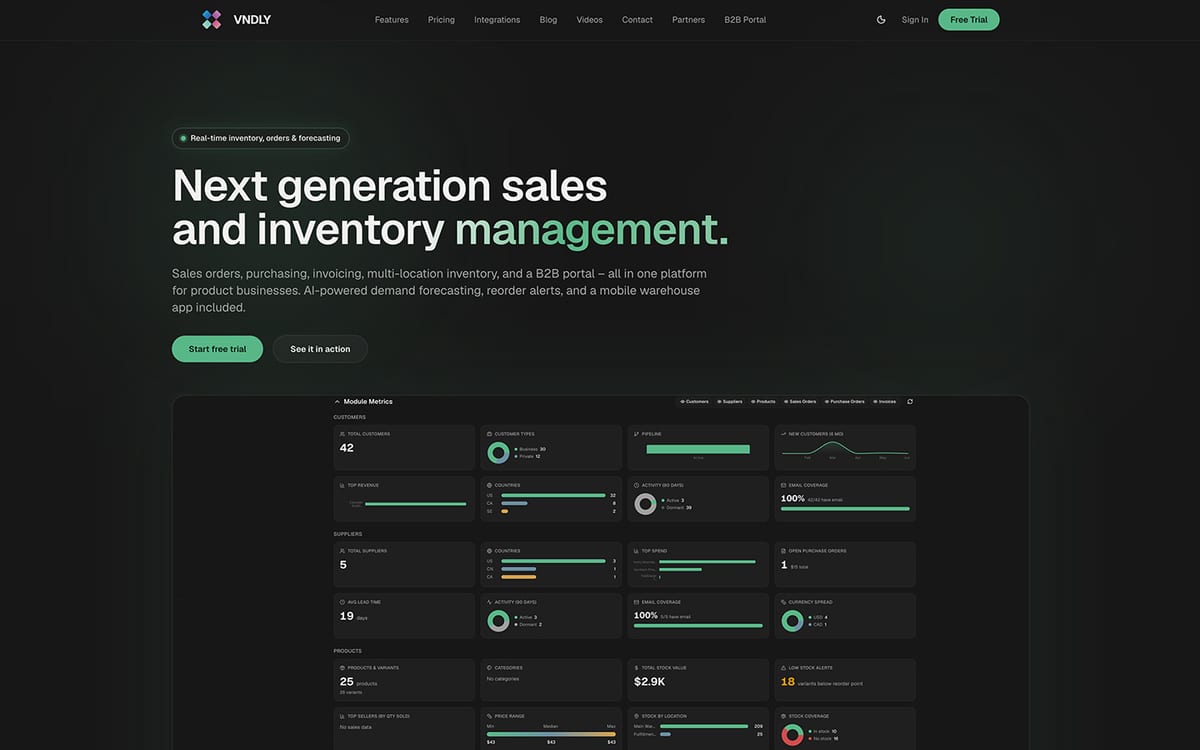
VNDLY is inventory management software with a full purchase order system built in, the system you use when you want purchase orders, inventory levels, sales orders and supplier management connected.
Most pure PO tools treat inventory as an afterthought or skip it entirely. VNDLY starts from the opposite end: inventory is central, and the PO module feeds it directly. When a delivery arrives and you mark it received, line by line and partially if needed, stock in the right location updates, landed cost (freight and duties) rolls into your weighted-average cost, and reorder points trigger draft POs before you run out.
Key features: full PO lifecycle (draft, confirmed, partly received, received); supplier lead-time and on-time delivery tracking; supplier price lists; multi-location stock; barcode receiving with the free iOS and Android app on every plan; PDF POs; demand planning with reorder alerts; Shopify, WooCommerce, BigCommerce and Squarespace sync; Xero, QuickBooks, Visma and Fortnox for accounting.
Pricing: Starter $49/mo (2 users, 2 locations, 500 orders/month); Professional $149/mo (10 users, 5 locations, 5,000 orders); Enterprise $349/mo (unlimited). 14-day free trial, no card. No caps on products or SKUs on any plan.
Honest limits: no approval routing chains and no 3-way invoice matching, so a finance team that needs sign-off tiers should look at Precoro. No AP payment execution. No EDI or Amazon connections.
Verdict: the right choice for a small or mid-size product business that wants purchasing, receiving and stock in one system for a flat monthly price. See pricing →
2. Zoho Inventory: Best Free Start for Product Businesses
Free - $29/mo
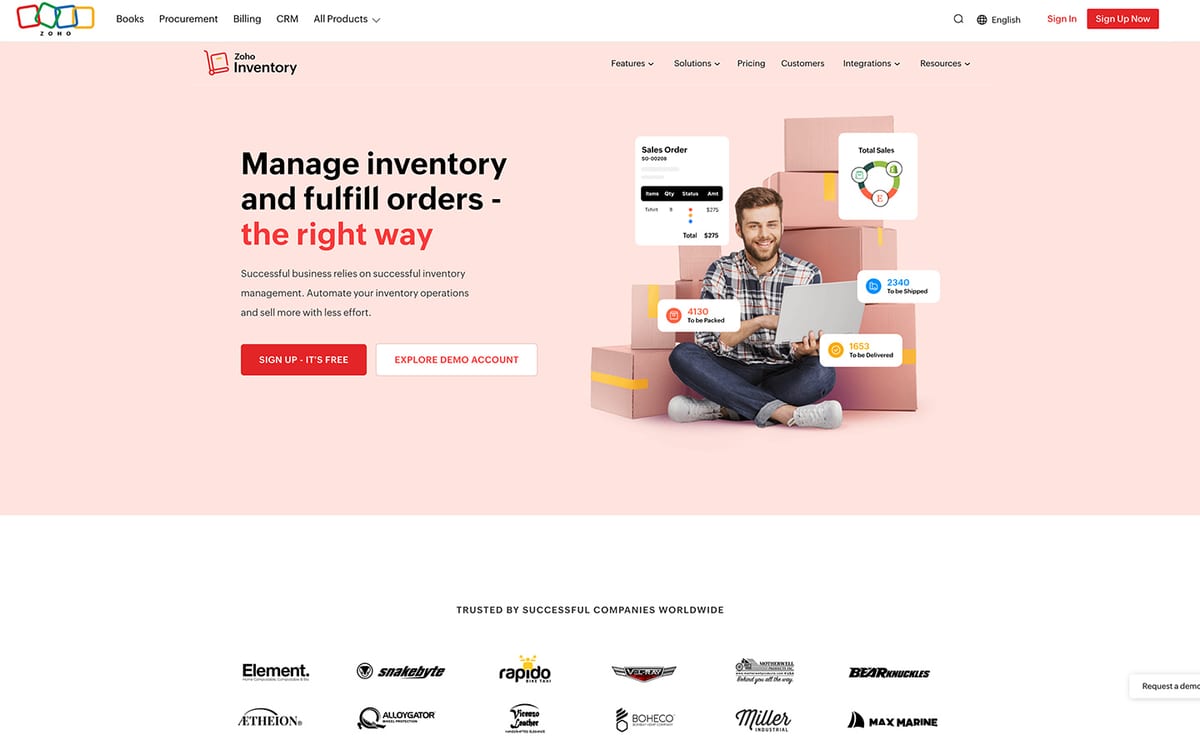
Zoho Inventory is the closest direct competitor to VNDLY on this list: an inventory tool with purchase orders, purchase receives against a PO, and PO-to-bill conversion. It also has multi-level transaction approvals for purchase documents, which most inventory-first tools lack.
Pricing: Free (50 orders/month, 1 user, 1 location); Standard $29/mo per organisation billed annually (500 orders, 3 users, 2 locations); Premium $79 (3,000 orders, 5 users); Plus $129; Enterprise $249. Extra users $7.50/mo. 14-day trial. Integrates with Shopify, Amazon, QuickBooks Online, Xero and Zoho Books.
Honest limits: no formal 3-way matching; workflow limits and features gated by tier are a recurring review complaint, along with inconsistent support. Order caps per plan bite fast for a busy store.
Verdict: the best free way to start if you sell products and can live inside order caps. See the Zoho Inventory alternative guide for a direct comparison with VNDLY.
3. Odoo Purchase: Best Free Purchase Order Software (If You Like Configuring)
Free - €19.90/user/mo
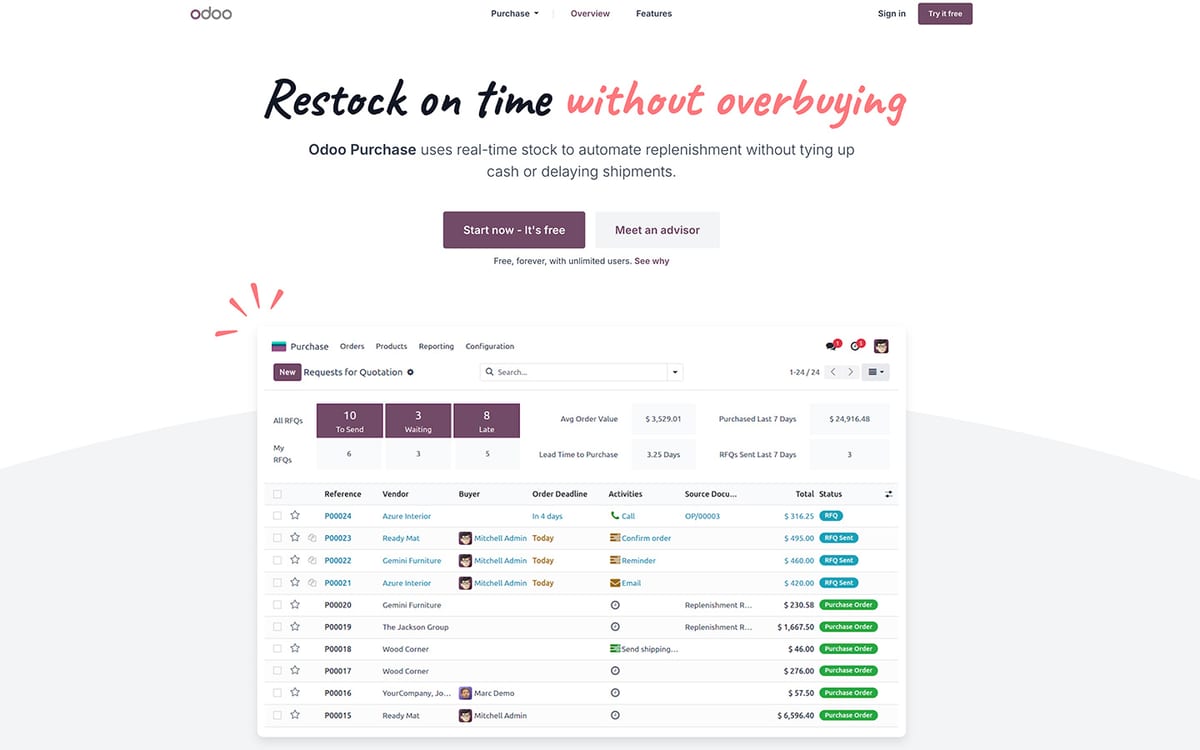
Odoo's One App Free tier gives you the Purchase app with unlimited users at no cost. It does RFQs, purchase orders, single-step manager approval above a configurable amount, and 3-way matching with Odoo Accounting. Receiving against a PO and stock tracking need the Inventory app, which puts you on the Standard plan at €19.90 per user per month (annual) with every Odoo app included.
Honest limits: setup complexity is the consistent review theme; many businesses end up paying a partner to configure it. No native QuickBooks or Xero connector; those go through third-party apps.
Verdict: the most capable free option on paper, and the right pick for a technical founder who wants POs, stock and accounting in one open-source suite and does not mind the setup.
4. Precoro: Best Dedicated Procurement Tool
From $499/mo
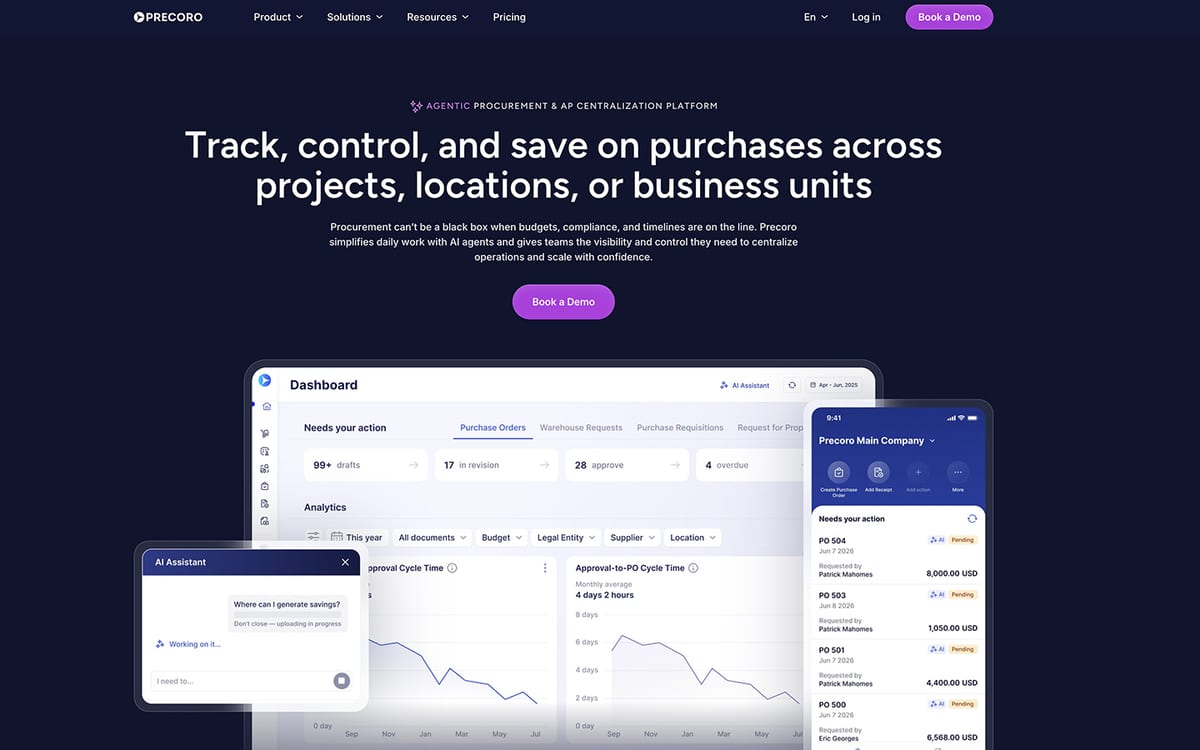
Precoro is a purpose-built procure-to-pay platform with purchase requisitions, multi-step approval routing, POs, receipts, invoices and both 2- and 3-way matching on the Core plan. Budget control by department or project is the standout feature.
Pricing: Core $499/mo billed annually; Automation $999/mo adds inventory, a supplier portal and PunchOut; Enterprise on quote. Integrates with QuickBooks Online, Xero and Slack on Core, NetSuite and other ERPs higher up.
Honest limits: $6,000 a year is a lot for a small team; inventory is only on the $999 tier; reviewers mention notification overload and a QuickBooks sync that dropped VAT during one migration.
Verdict: the cheapest tool that does real procurement controls properly. Right for a 10-50 person company where approvals and budgets matter more than stock.
5. Procurify: Best for Fast-Growing Teams
Quote, about $1,000/mo
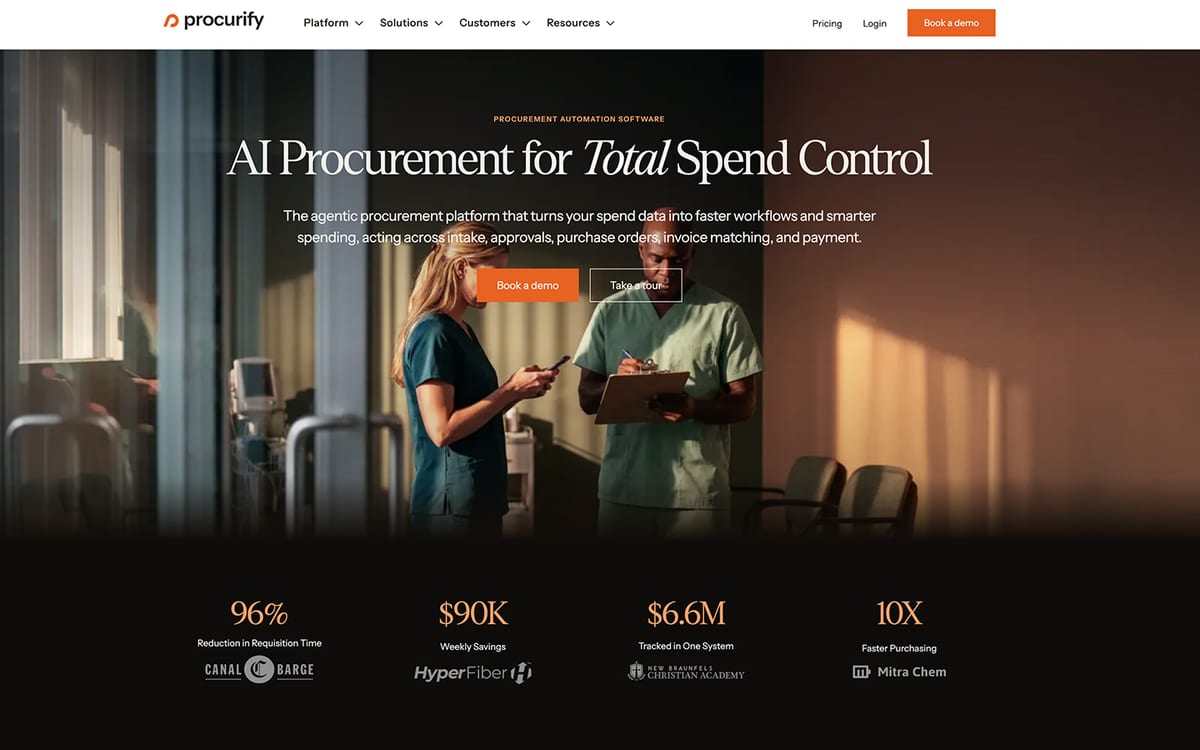
Procurify covers the full procure-to-pay cycle: order requests, multi-step approvals, POs, receiving, 3-way matching, budgets, virtual spend cards and a strong mobile app. There is no public price; third parties put small-business quotes around $1,000 a month, or $5,000 to $15,000 a year for 1 to 10 users.
Honest limits: no true stock module; a steep initial learning curve and limited report customisation are recurring complaints; a sales cycle before you see a number.
Verdict: for a company heading toward mid-market with high purchasing volume and a finance team. Overkill for a small product business.
6. Tradogram: Best Low-Cost Supplier Management
From $99/mo
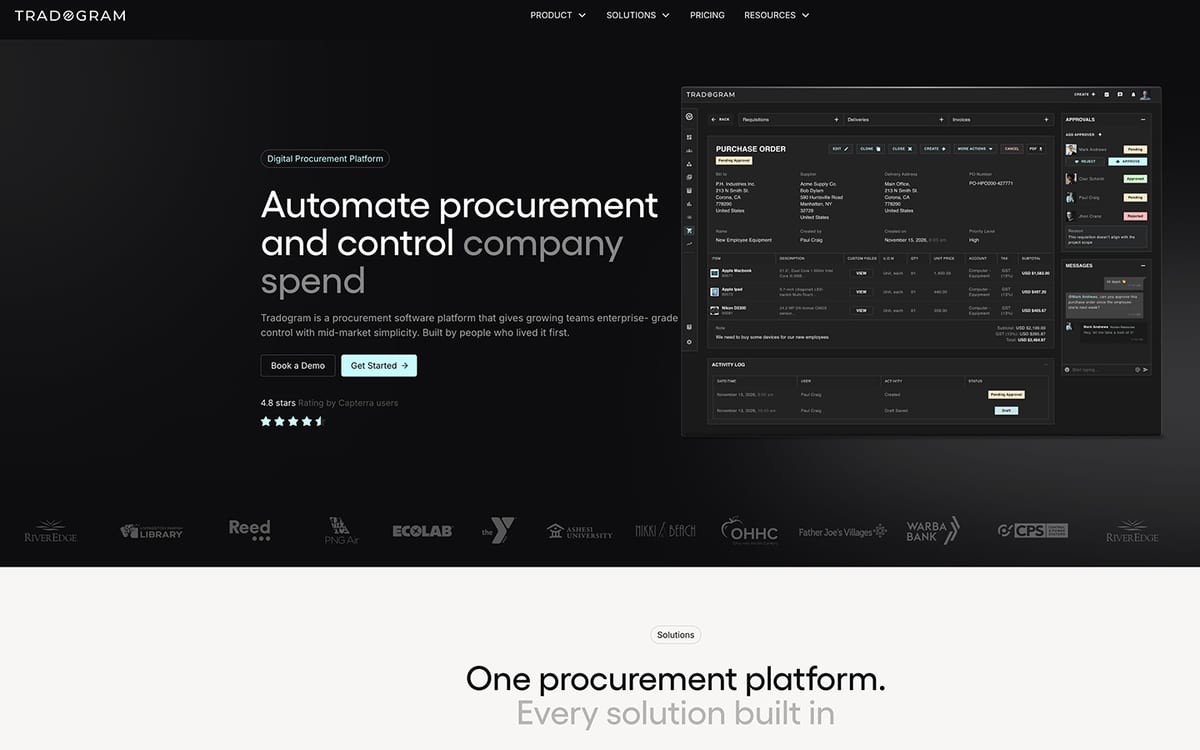
Tradogram's Essentials plan is $99 per month (or $950.40 a year) with extra seats charged per user, and covers purchase orders, supplier management and multi-currency. Requisitions, receiving (goods received notes), budgets and custom approvals sit on the Premium tier, which is quoted and aimed at 20+ users. The earlier free plan is no longer listed.
Honest limits: reviewers report POs not autosaving on a dropped connection, timeouts on receiving and supplier emails landing in spam. The interface is dated and there is no native mobile app.
Verdict: a cheap way to get POs and supplier records without inventory, as long as you do not need approvals yet.
7. BILL: Best for Service Businesses Needing AP + PO
$49 to $89/user/mo
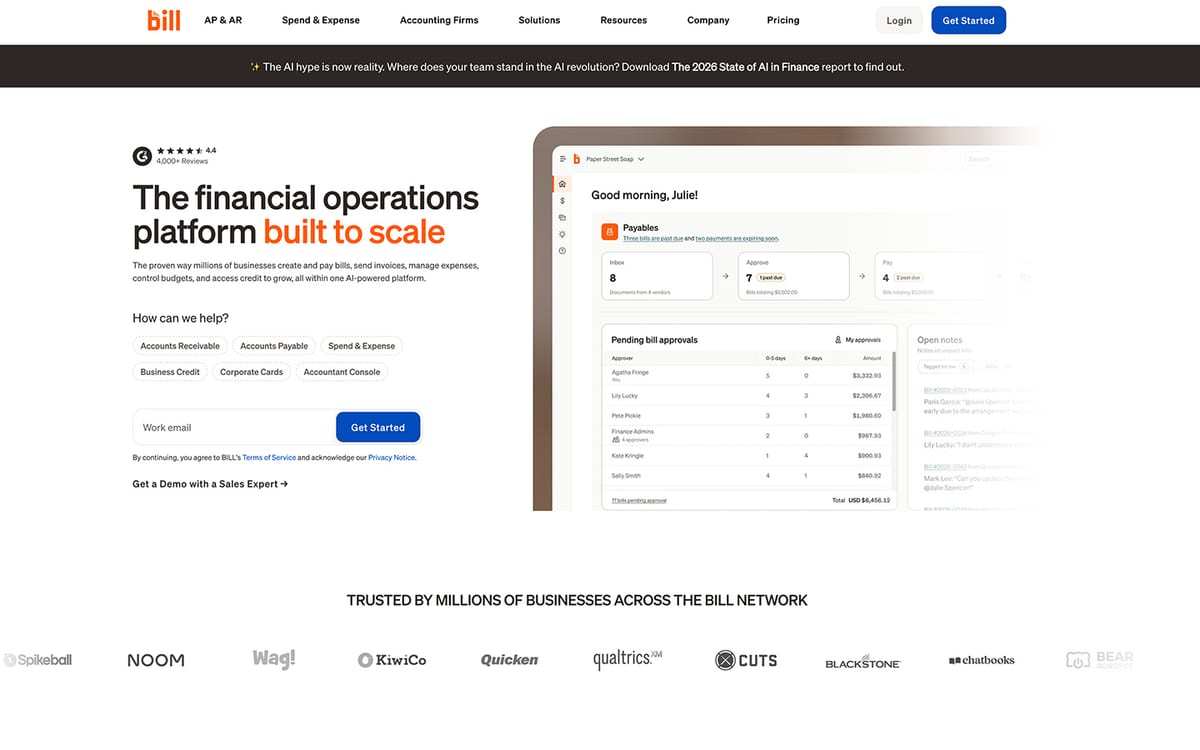
BILL is an accounts payable platform first. Purchase requests, POs, tolerance rules and 2-way matching arrive on the Corporate plan at $89 per user per month; Essentials ($49) and Team ($65) do payments and QuickBooks or Xero sync without POs. 3-way matching and NetSuite, Sage Intacct and Dynamics integrations are Enterprise only. Unlimited free requesters; only approvers pay.
Honest limits: no inventory and no receiving workflow we could verify. Reviews mention occasional QuickBooks sync mistakes, variable support and unexpected fee increases.
Verdict: for agencies, SaaS and other service businesses that already pay vendors through BILL and want the PO attached to the payment.
8. Spendwise: Best Ultra-Budget Option
$9 to $19/user/mo
Spendwise Basic is $9 per user per month for up to 5 users and 10 transactions a month, with purchasing, receiving and AP included. Pro is $19 per user per month with a 5-user minimum and adds unlimited transactions, approval limits and workflows, and budgets. Inventory, Amazon and accounting integrations are paid add-ons; QuickBooks Online sync is the one most users rely on.
Honest limits: 10 transactions a month on Basic is a side project, not a business. Reviewers cite weak integration with older accounting software, no batch PO printing and unreliable search.
Verdict: the cheapest way for a 5 to 20 person team to stop approving purchases over email.
9. QuickBooks Online Plus: The Tool You Might Already Have
$140/mo, 5 users
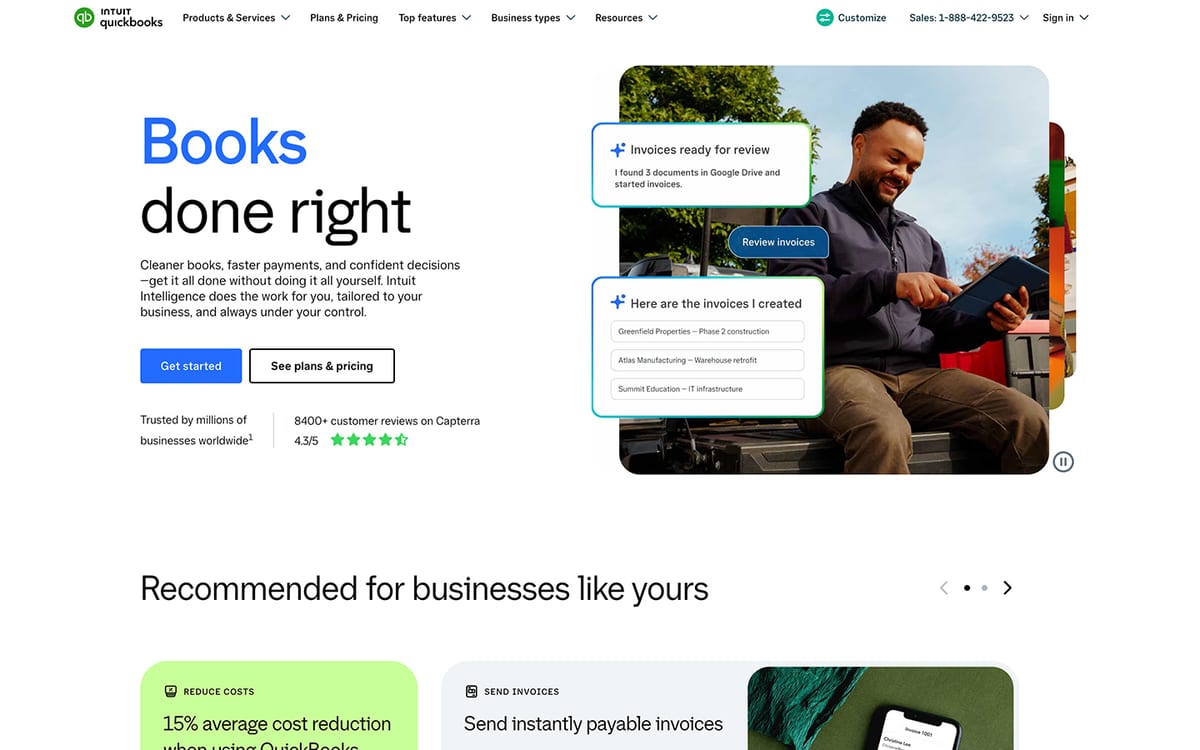
QuickBooks Online creates purchase orders on the Plus ($140/mo, 5 users) and Advanced plans, converts a PO to a bill, and tracks basic inventory quantities. There is a 30-day trial. It is worth listing because many small businesses already pay for it and should know where it stops.
Honest limits: no PO approval workflow, no 3-way matching, no line-level receiving against the PO, no multi-location stock and no barcode receiving. It is an accounting system with a PO form, not purchase order software.
Verdict: fine for a one-person business placing a few POs a month. The moment a second buyer or a warehouse is involved, connect a purchasing tool to it instead.
10. Digital Purchase Order: Cheapest Real Approval Workflow
$30 to $100/mo
Digital Purchase Order (DPO) does one thing: purchase orders with multi-step approval routing, limits by role, real-time PO tracking and a pre-approval budget check. Basic is $30 a month billed annually for 3 seats and 50 POs a month; Standard is $60 for 6 seats, 150 POs and committed-versus-actual spend tracking; Executive is $100 for 10 seats, 300 POs and expense control. 30-day free trial.
Honest limits: no inventory, no receiving we could verify, and the PO caps are low; a business raising 200 POs a month is on the $100 tier. It is a PO and approval tool, not a purchasing system.
Verdict: the cheapest way to get proper multi-step approvals on POs if you do not need stock, and the only tool on this list under $50 a month that has them.
See how VNDLY handles this. Full PO management + inventory in one system. Free 14-day trial, no credit card.
Try VNDLY free →Purchase Order Automation: When It's Worth It
Automation is the part of purchase order software that people underestimate at first and then can't live without.
The most useful basic is automatic reorder alerts. When a SKU drops below your threshold, the system creates a draft PO for that supplier with the quantities you set last time. You review, adjust, and send. That alone eliminates the "forgot to reorder it" problem behind most stockouts.
From there, the layers that save real time for small businesses:
- Auto-fill supplier details - pick a supplier and their payment terms, lead time, and pricing fill in automatically
- Approval routing - POs above a set value automatically route to a manager before going out. No more "who approved this?"
- Receiving by scan - scan barcodes on arrival and the system matches incoming items to the PO, flagging discrepancies automatically
- Accounting sync - received POs convert to bills in Xero or QuickBooks without manual re-entry
For most small businesses, the two that save the most time are approval routing and barcode receiving scan. Both are included in VNDLY from the Starter plan ($49/mo). For a practical walkthrough on using PO receiving, see our purchase order receiving guide.
How Do You Choose the Right PO Software for Your Business?
The decision mostly comes down to one question: do you sell physical products?
If you sell physical products (wholesale, manufacturing, ecommerce, distribution), you need inventory management and PO management connected. Buying a standalone PO tool and a separate inventory system means double data entry, reconciliation headaches, and two subscriptions. VNDLY or Zoho Inventory both give you both in one system. VNDLY's purchase order automation software wins on supplier tracking depth, multi-location flexibility, barcode scanning on every plan, and a cleaner interface if you're not already in the Zoho ecosystem.
If you're a product business comparing your options, also read our guide to the best inventory management software for small businesses and best multi-warehouse inventory management software. If you're specifically evaluating options after outgrowing Zoho, the Zoho Inventory alternative guide has a direct comparison.
If you're a service business (consulting, agency, SaaS, professional services), you don't need inventory. You need to manage what you're spending, route approvals, and match invoices to POs. BILL works well at the affordable end. Precoro is the step up if you need budget controls and 3-way matching. Procurify makes sense at higher team sizes with more complex purchasing.
If budget is the primary constraint, Zoho Inventory's free plan, Odoo's free single-app tier or Spendwise's $9/user/month plan let you get started without committing. Just know you'll likely need to upgrade within 6-12 months as your buying volume grows, and that approvals sit on a higher tier in every one of them.
A note on hidden costs: most tools in this list charge per user for approvers. A 5-person approval team on BILL Corporate costs $445/mo in user fees alone, before you've added a single feature. Flat-rate pricing (like VNDLY's or Precoro's) is often cheaper at team scale.
For businesses managing wholesale purchasing, our wholesale purchase order management guide has more depth on process and workflow. If you're looking at demand planning alongside your PO setup, the stockout prevention guide explains how reorder points and safety stock connect to your purchasing. And if you're specifically evaluating inventory software for small businesses or wholesale operations, those pages walk through what to look for in your category.
If you want a broader view of the inventory side, our guides to the best inventory management software for small business and best multi-warehouse inventory management software cover the full landscape.
"We used to approve purchase orders by forwarding emails with 'ok' in the subject line. Embarrassing in retrospect, but that's how most small businesses run purchasing until something goes badly wrong. For us it was an order that got sent twice to the same supplier. We received double the stock, had to pay for it, and it tied up cash for four months while we worked through the excess. The lesson wasn't 'use better software.' It was 'every order needs a paper trail and one person who owns it.'"
Frequently Asked Questions
Is there a free app that can create purchase orders?
Yes. Zoho Inventory's free plan creates and sends POs for one user and 50 orders a month. Odoo's One App Free tier gives you the Purchase app with unlimited users. VNDLY has a 14-day trial rather than a free plan. Every free option puts approvals, receiving or integrations on a paid tier, so treat it as a start, not a home.
What is the best software for creating purchase orders?
For a product business, an inventory tool with POs built in (VNDLY from $49/mo, Zoho Inventory from free) because a received PO updates stock. For a service business, an approval-first tool (Digital Purchase Order from $30/mo, Precoro from $499/mo) because the value is the sign-off trail, not the goods.
What's the difference between purchase order software and procurement software?
Purchase order software focuses on creating, sending, and tracking purchase orders. Procurement software is broader. It covers the full buying cycle including spend analysis, vendor management, contract compliance, approval workflows, and sometimes AP automation. For most small businesses, PO software is what you need. Full procurement platforms are overkill and overpriced until you're past 50-100 employees with a dedicated procurement team.
Can purchase order software work with my accounting tool?
Most tools in this list integrate with QuickBooks and Xero. Precoro, BILL, and Zoho Inventory all have solid accounting integrations. VNDLY connects with Xero, QuickBooks, Visma, and Fortnox. The depth of integration varies. Some tools sync invoices automatically while others require a manual export step. Before committing to any tool, ask how PO-to-bill reconciliation works with your accounting software. That's usually where shortcuts bite you.
Do I need PO software if I'm a one-person business?
Maybe not right away. If you're placing fewer than 20 orders per month and buying from 2-3 suppliers, a spreadsheet probably works. The signal to switch is when a supplier dispute costs you time to resolve, when you can't quickly tell someone "show me what we ordered last quarter," or when a second person joins the buying process. At any of those points, switch to software. The cost of one missed or duplicated order usually exceeds a year of subscription fees.
Is purchase order software the same as inventory software?
No, but they overlap. PO software tracks what you're buying. Inventory software tracks what you have. For service businesses they're completely separate. For product businesses, you want them connected: a received PO should update your stock count automatically. That's why tools like VNDLY and Zoho Inventory that combine both tend to work better for product businesses than separate tools that don't talk to each other.
What's the best free purchase order software?
Zoho Inventory's free plan (50 orders/month, 1 user, 2 locations) is the most usable free purchase order software for a product business. Odoo's One App Free tier gives you the Purchase app with unlimited users, but receiving needs the Inventory app, which moves you to a paid plan. Tradogram no longer lists a free plan; its entry tier is $99/month. Every free plan hides approvals and integrations behind an upgrade, so treat them as a trial with no end date rather than a long-term home.
What is purchase order software?
Purchase order software lets you create, send, and track POs with suppliers, replacing email chains and spreadsheets. It records what you ordered, at what price, and matches incoming deliveries against the original order so nothing slips through.
How much does purchase order software cost for a small business?
Inventory-first tools with purchase orders start at $29 to $49 per month (Zoho Inventory Standard, VNDLY Starter). Dedicated procurement platforms start around $499 per month (Precoro) and go past $1,000 per month (Procurify). Per-user AP tools like BILL cost $89 per user per month on the tier that includes POs.
What's the difference between a purchase order and an invoice?
A purchase order (PO) is a document you send to a supplier to request goods, it sets the terms before anything ships. An invoice comes from the supplier after they ship, requesting payment. PO software matches the two together so you only pay for what you actually ordered and received.
Do I need PO software if I already use QuickBooks?
QuickBooks handles accounting and basic purchasing, but it doesn't track inventory levels, receiving, or multi-location stock. If you're managing physical products across a warehouse or multiple sales channels, dedicated PO software like VNDLY fills the gap and syncs back to your accounting tool.
Can I manage purchase orders if I sell on Shopify?
Yes. VNDLY connects to Shopify and syncs inventory levels when you receive stock against a PO. When you mark items as received in VNDLY, your Shopify product quantities update automatically, so you're never overselling while waiting for a delivery.
Start a 14-day free trial of VNDLY - purchase orders, inventory, suppliers, and barcode scanning all in one place. No credit card required.
Related articles
- StrategySupplier Price Drift: Stop Selling Below Margin [2026]
- ComparisonVNDLY vs Square for Retail: Which Wins for SMBs? [2026]
- ComparisonVNDLY vs Lightspeed Retail: Inventory vs POS [2026]
- Comparison6 Best Inventory Software by Industry [2026]
- ComparisonVNDLY vs QuickBooks Commerce: Which Is Right? [2026]
- ComparisonVNDLY vs Veeqo 2026: Is Amazon's Free Tool Enough?